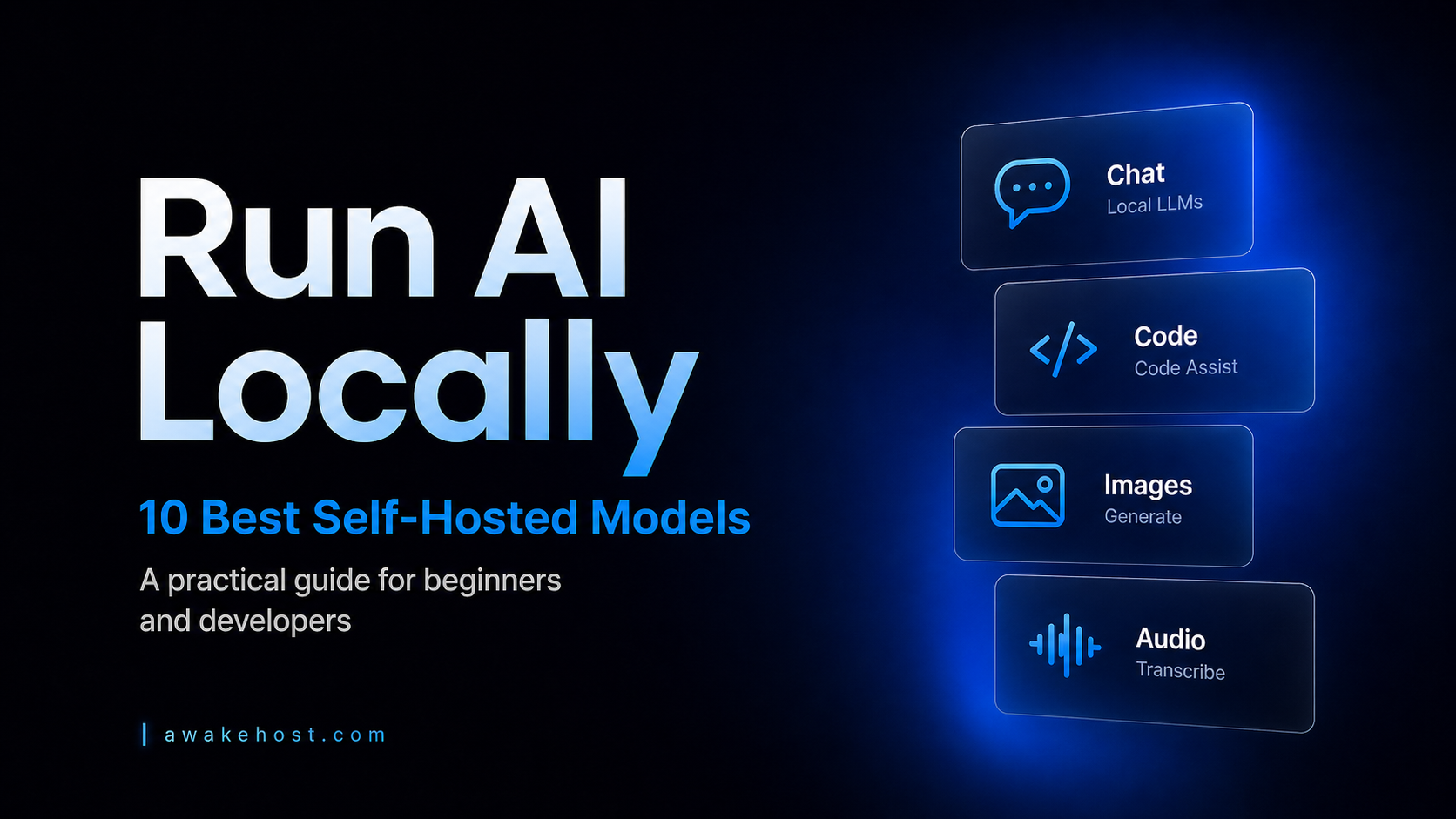




Run AI at Home: 10 Best Self-Hosted Models
TL;DR
Self-hosted AI models let you run powerful AI tools locally on your own laptop, desktop, or home server without depending completely on the cloud. For most beginners, Llama 3.1 8B, Qwen3 8B, and Gemma 3 4B are the best starting points because they balance performance, ease of setup, and hardware requirements.
Developers should look at Qwen2.5-Coder and StarCoder2 for local coding assistance, while DeepSeek-R1 Distill is better for reasoning-heavy tasks. For creative and practical workflows, FLUX.1 Schnell works well for local image generation, and Whisper is still one of the best options for speech-to-text transcription.
The best choice depends on your hardware and use case. Start with a smaller quantized model, test it locally with tools like Ollama or LM Studio, then move to larger models only when you need better accuracy, longer context, or stronger reasoning.
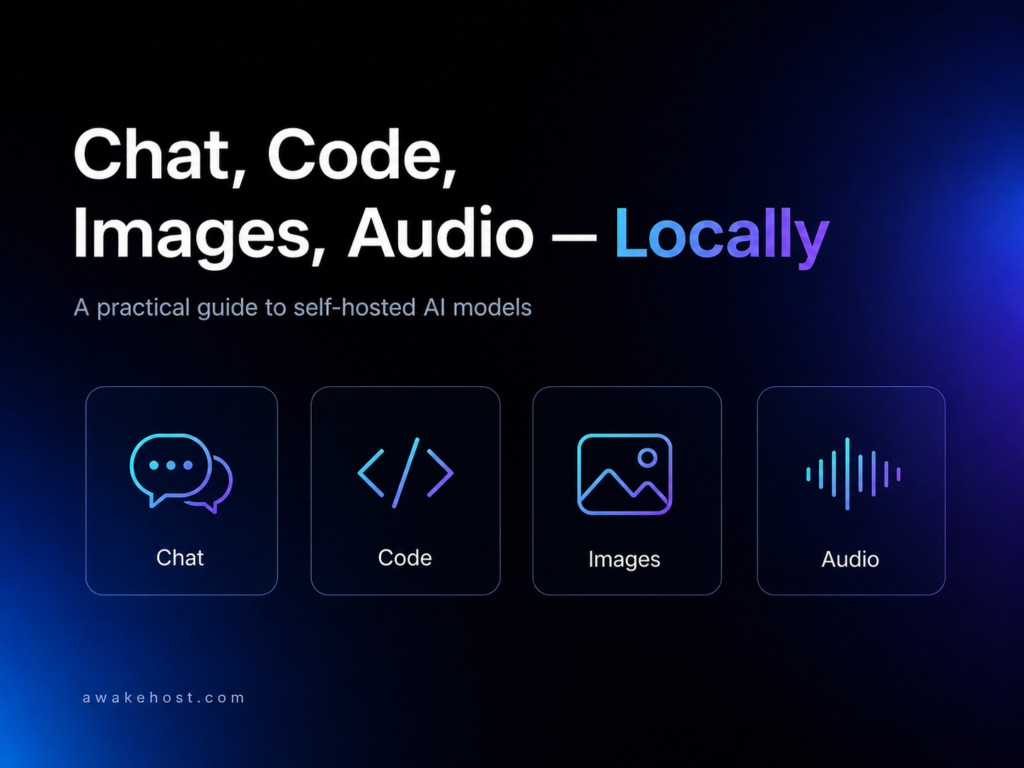
Running AI at home is no longer just a hobby for researchers with expensive servers. Today, you can run capable chatbots, coding assistants, image generators, speech-to-text tools, and private document search systems on a normal laptop, gaming PC, mini PC, or small home server.
The real benefit is control. Your prompts stay on your machine. Your files do not need to be uploaded to a third-party chatbot. You can test models freely, build private workflows, and avoid paying API fees for every small experiment.
That said, not every “open” AI model is practical for home use. Some models are excellent on paper but need enterprise-grade GPUs. For this guide, the focus is simple: models that a serious home user, developer, student, freelancer, or small business owner can realistically run locally with tools like Ollama, LM Studio, llama.cpp, ComfyUI, or faster-whisper.
For heavier always-on projects, you can also run the private model at home and host the public web app, dashboard, API gateway, or documentation site on a VPS. AwakeHost’s KVM VPS Hosting is useful for that kind of setup because it provides NVMe storage, global locations, DDoS protection, and full server control without claiming you need to host the actual GPU workload there.
Quick Comparison: Best Self-Hosted AI Models for Home Use
| Model | Best For | Good Home Version | Difficulty |
|---|---|---|---|
| Llama 3.1 / 3.2 | General chatbot, writing, summaries | 3B, 8B | Easy |
| Qwen3 | Reasoning, multilingual work, coding | 8B, 14B | Easy–Medium |
| Gemma 3 | Multimodal chat, long context, lightweight AI | 4B, 12B | Easy–Medium |
| Mistral Small 3.1 | Strong general assistant on a powerful PC | 24B | Medium |
| DeepSeek-R1 Distill | Local reasoning and problem solving | 7B, 14B | Medium |
| Phi-4 Mini / Multimodal | Lightweight reasoning, vision/audio tasks | 3.8B, 5.6B | Easy |
| Qwen2.5-Coder | Local coding assistant | 7B, 14B | Easy–Medium |
| StarCoder2 | Code generation and code search | 7B, 15B | Medium |
| FLUX.1 Schnell | Local image generation | 12B image model | Medium–Hard |
| Whisper | Speech-to-text and transcription | small, medium, large | Easy–Medium |
Before You Start: What Hardware Do You Need?
For a normal home setup, think in ranges:
- A laptop with 16GB RAM can usually handle smaller models like Llama 3.2 3B, Phi-4 Mini, Qwen 4B/7B-class models, and smaller Whisper models.
- A machine with 32GB RAM is more comfortable for 7B to 14B models, especially when using 4-bit quantized GGUF files.
- A workstation or gaming PC with 64GB RAM and a strong GPU is better for 24B, 27B, 32B, image generation models, and longer context windows.
Quantization matters here. In simple words, quantization reduces model precision so the model becomes smaller and easier to run, though it can slightly reduce quality. llama.cpp’s quantization documentation describes this tradeoff clearly: smaller files and faster inference, with possible accuracy loss depending on the quantization level.
For beginners, the easiest starting tools are Ollama and LM Studio. Ollama has a large local model library, while LM Studio lets you download models and run them locally with offline chat; LM Studio’s docs state that once a model is downloaded, prompts and documents stay on your machine.
1. Llama 3.1 / Llama 3.2 — Best Overall Local Chat Model
Llama is still one of the safest first choices for anyone building a self-hosted AI models
setup at home. It has a large community, plenty of tutorials, broad tool support, and many quantized versions available through local AI tools.
For most people, Llama 3.1 8B Instruct is the sweet spot. It is strong enough for writing, summarizing, brainstorming, basic coding help, and document Q&A, while still being realistic on a decent home machine. Meta’s Llama 3.1 release expanded context length to 128K tokens and included 8B, 70B, and 405B sizes, but the 8B model is the practical home choice.
For lower-end devices, Llama 3.2 1B or 3B is better. Meta positioned Llama 3.2’s 1B and 3B text models for lightweight and edge use, while the larger 11B and 90B models target vision tasks.
Best use cases:
Local chatbot, private writing assistant, basic customer support drafts, website content outlines, notes summarization, and lightweight automation.
- Best home pick: Llama 3.1 8B Instruct
- Low-end pick: Llama 3.2 3B
- Avoid for home: 70B and 405B unless you have serious hardware.
2. Qwen3 — Best for Reasoning, Multilingual Work, and Balanced Performance
Qwen3 is one of the strongest open-weight model families for people who want a smart local assistant without jumping straight to massive hardware. It comes in many sizes, including 0.6B, 1.7B, 4B, 8B, 14B, 32B, and larger MoE versions. The Qwen team says the dense Qwen3 models are released under Apache 2.0, which makes them attractive for developers and commercial experimentation.
For home users, Qwen3 8B is a great balance. If you have 32GB RAM or more, Qwen3 14B feels more capable for reasoning, structured answers, and multilingual tasks. Qwen3 also supports a “thinking” and “non-thinking” mode approach, which is useful when you want either deeper reasoning or faster replies.
Best use cases:
The model’s versatility enables it to excel in various applications, such as generating research summaries that distill complex information into digestible formats. Additionally, its multilingual capabilities make it an invaluable tool for creating content across diverse languages, while its proficiency in technical explanations aids users in grasping intricate concepts. For developers, Qwen3 offers tailored coding assistance, and its potential as a private assistant enhances productivity in structured business workflows.
- Best home pick: Qwen3 8B
- Better workstation pick: Qwen3 14B or 32B
- Why it stands out: Strong balance between quality, license flexibility, and model-size options.
3. Gemma 3 — Best Lightweight Multimodal Model
Gemma 3 is a strong choice if you want a modern model from Google that can handle more than plain text. Google describes Gemma 3 as a lightweight family with multimodal understanding, long context, and multilingual capabilities. It is available in 1B, 4B, 12B, and 27B sizes, with the 4B, 12B, and 27B variants supporting image-and-text input.
Gemma 3 is especially useful if you want to ask questions about screenshots, charts, images, or visual documents locally. Google’s developer materials also mention support for context windows up to 128K tokens and over 140 languages, which makes it useful for longer documents and international content workflows.
Best use cases:
Image understanding, multilingual chat, OCR-style analysis, document review, long-context summarization, and personal productivity.
- Best home pick: Gemma 3 4B
- Better workstation pick: Gemma 3 12B or 27B
- Why it stands out: Good mix of lightweight performance, image input, and long-context support.
4. Mistral Small 3.1 — Best High-Quality Model for a Strong Home Workstation
Mistral Small 3.1 is not “small” in the laptop sense, but it is small compared with giant enterprise LLMs. It is a 24B-class model designed for instruction following, conversational assistance, image understanding, and function calling. Mistral’s model card notes a 128K context window and Apache 2.0 licensing.
This is a good option if you have a stronger local setup, such as a desktop with 64GB RAM or a GPU with generous VRAM. It is too heavy for casual laptop users, but it can feel much better than smaller 7B or 8B models for serious writing, planning, technical support, and structured business tasks.
Best use cases:
Business assistant, technical writing, support automation, document-heavy workflows, agent-style tasks, and local API experiments.
- Best home pick: Mistral Small 3.1 24B quantized
- Hardware note: Better for a workstation than a basic laptop.
- Why it stands out: Strong general quality with an open Apache 2.0 license.
5. DeepSeek-R1 Distill — Best Local Reasoning Model
DeepSeek-R1 became popular because it brought strong reasoning behavior into the open model world. DeepSeek says R1 was released with open models and code under the MIT License, and it also released distilled models that are easier to run than the full-size version.
For home use, do not start with the massive full DeepSeek-R1 model. Start with DeepSeek-R1-Distill-Qwen 7B or 14B. These are much more practical for local reasoning, math explanations, debugging, step-by-step planning, and technical problem solving.
The important thing to know: reasoning models can be slower because they generate more intermediate thinking tokens. That is normal. They are best used when answer quality matters more than speed.
Best use cases:
Math, logic, debugging, planning, technical problem solving, and “think carefully” tasks.
- Best home pick: DeepSeek-R1-Distill-Qwen 7B
- Better workstation pick: DeepSeek-R1-Distill-Qwen 14B or 32B
- Why it stands out: Better reasoning behavior than many general chat models at similar sizes.
6. Phi-4 Mini and Phi-4 Multimodal — Best for Low-Power Devices
Microsoft’s Phi models are designed around the idea that smaller models can still be useful if they are trained carefully. Phi-4-mini-instruct is a 3.8B model with a 128K token context window and an MIT license, making it one of the most attractive models for laptops and smaller machines.
Microsoft also released Phi-4-multimodal, which supports text, audio, and vision inputs. Microsoft describes it as useful for speech recognition, translation, summarization, Q&A, audio understanding, OCR, chart/table interpretation, and image analysis.
If you want a small local assistant that does not overload your system, Phi-4 Mini is one of the most practical options.
Best use cases:
Low-power chatbot, small business assistant, offline note summarizer, lightweight reasoning, audio/vision experiments.
- Best home pick: Phi-4-mini-instruct
- Multimodal pick: Phi-4-multimodal
- Why it stands out: Very capable for its size.
7. Qwen2.5-Coder — Best Local Coding Assistant
If your main goal is coding, use a code-specialized model instead of relying only on a general chatbot. Qwen2.5-Coder is one of the best choices here because it comes in practical sizes such as 7B, 14B, and 32B. The Qwen team says the 0.5B, 1.5B, 7B, 14B, and 32B versions are Apache 2.0 licensed, while the 3B version uses a different research license.
Qwen2.5-Coder supports long-context coding workflows and covers many programming languages. Qwen’s materials describe support up to 128K context and coverage of 92 programming languages, which makes it useful for reviewing larger files, generating functions, explaining code, and helping with debugging.
Best use cases:
Code completion, bug fixing, function generation, code explanation, shell commands, documentation, and developer workflows.
- Best home pick: Qwen2.5-Coder 7B
- Better workstation pick: Qwen2.5-Coder 14B or 32B
- Why it stands out: Strong coding ability without needing a closed-source coding assistant.
8. StarCoder2 — Best Transparent Code Model
StarCoder2 is another excellent coding model family, especially for users who care about transparency and open development. The BigCode project says StarCoder2 comes in 3B, 7B, and 15B sizes and was trained on 600+ programming languages from The Stack v2, along with selected natural language sources.
The 7B version is more realistic for most home users, while the 15B version is better for stronger machines. StarCoder2 is especially useful for code search, code explanation, fill-in-the-middle style tasks, and working across many programming languages.
Best use cases:
Programming help, code search, code completion, learning programming, reviewing scripts, and private developer tools.
- Best home pick: StarCoder2 7B
- Better workstation pick: StarCoder2 15B
- Why it stands out: Strong coding focus and transparent training background.
9. FLUX.1 Schnell — Best Local Image Generation Model
Not every self-hosted AI model has to be a chatbot. If you want to generate images at home, FLUX.1 Schnell is one of the most interesting open-weight options. Black Forest Labs describes FLUX.1 Schnell as a 12B rectified flow transformer for generating images from text descriptions, and the official inference repository is available under Apache 2.0.
Compared with older Stable Diffusion workflows, FLUX.1 Schnell is attractive because it is designed for fast image generation. It is still much easier to run with a dedicated GPU, but creative users can run it locally through tools such as ComfyUI or compatible inference setups.
Best use cases:
Blog thumbnails, concept art, product mockups, social media visuals, creative experiments, and local design workflows.
- Best home pick: FLUX.1 Schnell
- Alternative: Stable Diffusion XL
- Why it stands out: High-quality local image generation with a permissive Apache 2.0 model option.
10. Whisper — Best Self-Hosted Speech-to-Text Model
Whisper is one of the most useful AI models you can run locally because it solves a real daily problem: transcription. OpenAI describes Whisper as a general-purpose speech recognition model trained on a large and diverse audio dataset, with support for multilingual speech recognition, translation, and language identification. The GitHub repository is MIT licensed.
For home users, Whisper is useful for YouTube notes, meeting transcripts, podcast drafts, lectures, interviews, customer calls, and voice notes. If the original Whisper package feels slow, faster-whisper is a popular implementation using CTranslate2 that aims to improve speed and memory efficiency, including support for 8-bit quantization.
Best use cases:
Podcast transcription, meeting notes, video subtitles, lecture notes, interview transcripts, and multilingual audio processing.
- Best home pick: Whisper small or medium
- Accuracy pick: Whisper large
- Why it stands out: Practical, reliable, and useful even on modest hardware.
Bonus: Nomic Embed Text for Private Document Search
If you want to build a private “chat with my documents” system, you also need an embedding model. Embedding models turn documents into searchable vectors so your local chatbot can retrieve the right information before answering.
Nomic Embed Text v1.5 is a strong option for local RAG workflows. Nomic’s documentation describes it as a text embedding model for retrieval, similarity, clustering, and classification, with an 8192-token context length and multiple output dimensions.
This is not a chatbot by itself, but it is very useful when paired with Llama, Qwen, Gemma, or Mistral in a local knowledge base.
Which Model Should You Choose?
If you are just starting, install Ollama or LM Studio and try Llama 3.1 8B, Qwen3 8B, or Gemma 3 4B first. These models are capable enough to feel useful without making setup painful.
- Choose DeepSeek-R1 Distill if you care about reasoning.
- Choose Qwen2.5-Coder if you care about programming.
- Choose Whisper if you work with audio or video.
- Choose FLUX.1 Schnell if your goal is image generation.
- Choose Mistral Small 3.1 if you have a powerful workstation and want a more capable general-purpose assistant.
For small businesses, the best setup is often hybrid: run sensitive AI tasks locally, then host the website, dashboard, documentation, or client-facing app on a reliable server. AwakeHost’s USA VPS Hosting can be used for North American web apps and APIs, while Netherlands VPS Hosting or UK VPS Hosting may fit projects targeting European users. AwakeHost’s VPS pages mention dedicated resources, NVMe storage, admin/root access, Linux/Windows options, and scalable plans, which are useful for hosting the non-GPU parts of an AI project.
A Simple Home AI Setup
A good beginner setup looks like this:
Install Ollama or LM Studio for chat models. Use Qwen3 8B or Llama 3.1 8B as your daily assistant. Add Qwen2.5-Coder 7B if you write code. Add Whisper if you need transcription. Add Nomic Embed Text if you want private document search. Add FLUX.1 Schnell later when you are ready for local image generation.
This stack gives you a private chatbot, coding assistant, transcription system, document search tool, and image generator without depending on a cloud AI provider for every task.
Are Self-Hosted AI Models Better Than ChatGPT or Claude?
Self-hosted AI models offer distinct advantages, particularly in terms of privacy and customization. By running these models locally, users maintain control over their data and can tailor the models to meet specific needs. Additionally, while commercial solutions like ChatGPT or Claude may excel in certain complex scenarios, self-hosted options often provide flexibility for experimentation and development, making them ideal for both beginners and seasoned developers. This balance between autonomy and adaptability enhances the overall user experience in the evolving landscape of artificial intelligence.
- They give you better privacy.
- They can work offline.
- They avoid per-message API costs.
- They are customizable.
- They let developers build private tools.
- They are better for sensitive files, internal notes, private code, and experiments where control matters more than raw benchmark scores.
For most people, the best answer is not “cloud AI or local AI.” It is both. Use cloud AI when you need the strongest model. Use local AI when privacy, control, offline access, or cost predictability matters.
Final Recommendation on Best Self-Hosted AI Models
The best self-hosted AI model for most home users is Llama 3.1 8B or Qwen3 8B. They are practical, well-supported, and strong enough for everyday use.
For a more specialized setup:
- Use Gemma 3 for multimodal work.
- Use DeepSeek-R1 Distill for reasoning.
- Use Qwen2.5-Coder for coding.
- Use Whisper for transcription.
- Use FLUX.1 Schnell for image generation.
- Use Mistral Small 3.1 when you have stronger hardware and want better general quality.
Self-hosted AI Models are still not plug-and-play for every user, but it is more accessible than ever. With the right model size, a quantized version, and a realistic setup, you can run a powerful private AI system from your own desk.
FAQs for Best Self-Hosted AI Models
What is the best self-hosted AI models for beginners?
Llama 3.1 8B, Llama 3.2 3B, Qwen3 8B, and Gemma 3 4B are the best starting points. They are easier to run than larger models and have strong support in local AI tools.
Can I run AI models at home without a GPU?
Yes, but performance will be slower. Smaller quantized models can run on CPU, especially 3B to 8B models. A GPU improves speed significantly, especially for 14B+ language models and image generation.
Is local AI private?
Local AI is more private because prompts and files can stay on your machine. Tools like LM Studio state that downloaded models can run offline and that local chats/documents stay on your device.
What is the best local AI model for coding?
Qwen2.5-Coder 7B is a strong starting point. StarCoder2 7B is also a good option if you want a transparent open coding model.
What is the best local AI model for image generation?
FLUX.1 Schnell is one of the best modern local image generation models, especially for users with a dedicated GPU. Stable Diffusion XL is still a popular alternative with a large ecosystem.
What is the best local AI model for speech-to-text?
Whisper is the best-known self-hosted speech-to-text model. For faster local use, many users prefer faster-whisper.
Can I host a self-hosted AI models on a VPS?
You can host the web interface, API, database, documentation, or dashboard on a VPS, but heavy AI inference usually needs GPU hardware. For lightweight CPU models or app hosting, VPS can still be useful. AwakeHost’s VPS Hosting pages highlight NVMe storage, admin access, Linux/Windows options, and scalable resources for web apps and server-side projects.
