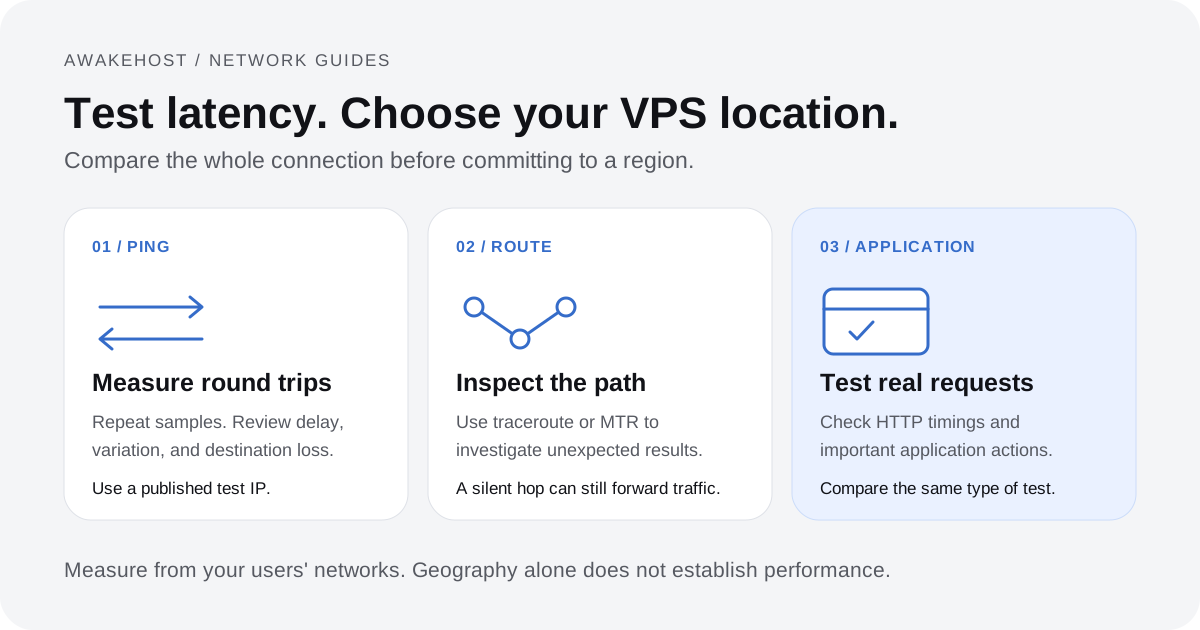
How to Test VPS Network Latency Before Choosing a Location
Test VPS locations with ping, traceroute, MTR, and the AwakeHost Looking Glass. Learn to compare latency, packet loss, and real application response times.
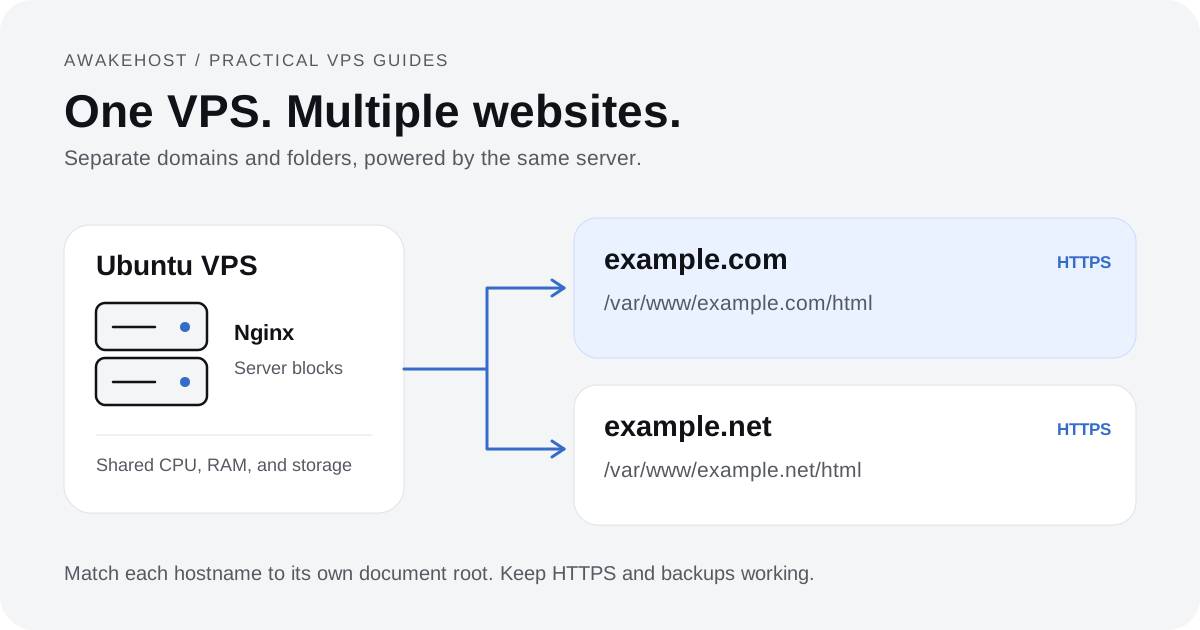
Set up two websites on one Ubuntu VPS with Nginx server blocks, separate directories, DNS records, and free HTTPS certificates.
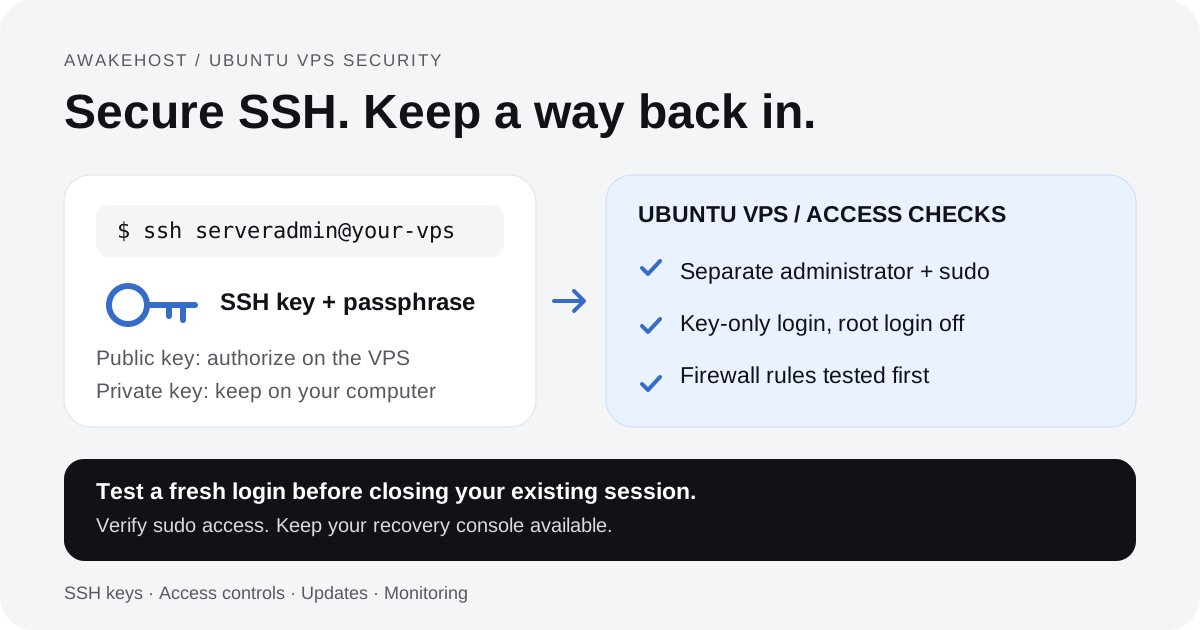
Secure Ubuntu VPS access with SSH keys, a separate sudo account, and firewall rules. Follow a tested sequence that keeps a recovery route available.
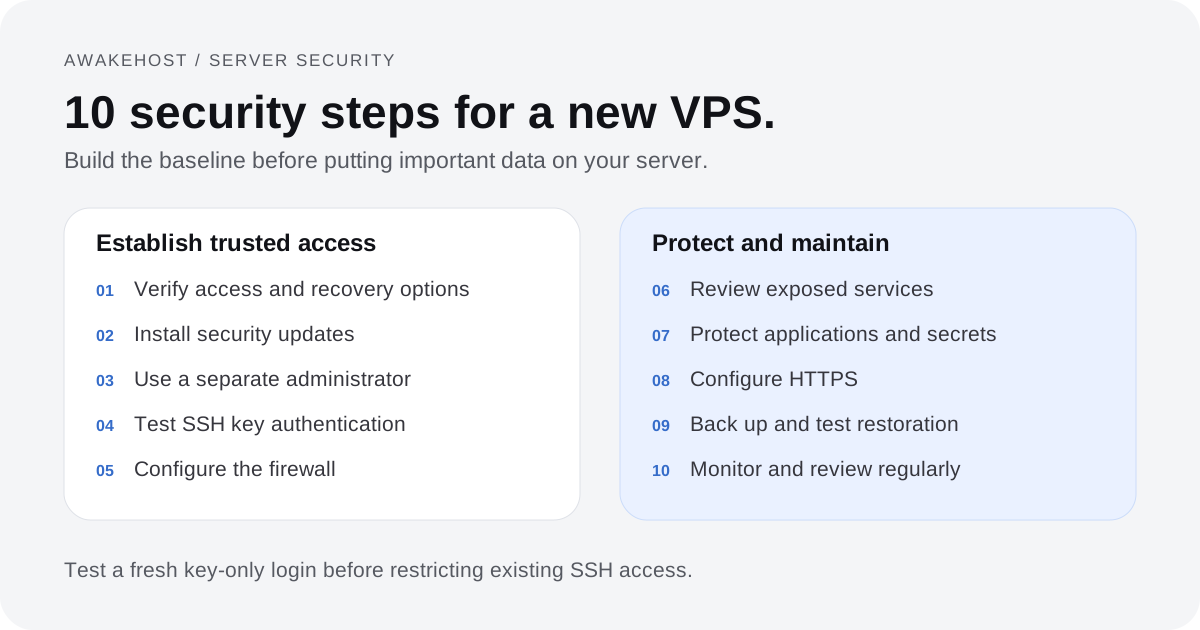
Secure a new Ubuntu VPS with verified administrator access, updates, SSH keys, firewall rules, protected applications, HTTPS, backups, and monitoring.
What Is Windows Subsystem for Linux? Beginner Guide to WSL for VPS Users Windows Subsystem for Linux, commonly known as WSL, is one of the easiest ways for Windows users to start working with Linux commands, server tools, and VPS environments without installing a separate Linux operating system. For developers, website owners, students, and VPS
5XX Server Errors Explained: Causes, Fixes, and Prevention for Business Websites A 5XX error means your website server failed to complete a valid request. The visitor did not necessarily enter a wrong URL, and their browser is usually not the problem. The issue is normally somewhere inside the hosting stack, application code, database, proxy layer,
Linux Gaming Compatibility in 2026: How Proton Changed Desktop Linux Adoption TL;DR Gaming was once one of the strongest criticisms against Linux on the desktop because many popular PC games were built for Windows first and never received native Linux ports. In 2026, that criticism still matters, but the situation has changed. Valve’s Proton compatibility
Windows Subsystem for Linux: 5 Pro Tips for DevOps Speed Most developers treat Windows Subsystem for Linux (WSL) as a simple terminal emulator. Then, they wonder why their Node.js build times double or why Docker Desktop consumes 12GB of RAM on idle. They fail because they treat the Linux kernel like a guest app rather
Object caching can reduce repeated database work. Learn how it works and measure the change with seven clear server performance metrics.
DNS Server Not Responding: Destroy This Network Nightmare 2026 Your browser stalls. The status bar mocks you. You see “Resolving host” indefinitely. Suddenly, your site’s Time to First Byte (TTFB) spikes. The local resolver failed. You face a DNS Server Not Responding error. Your workflow completely stops. Fix this now. TL;DR: Quick Fixes Why Does
OpenClaw VPS Sizing: The Definitive CPU, RAM & Storage Calculator Quick Verdict: The Bottom Line Up Front If you are running OpenClaw for simple webhook routing (under 5 active workflows), a 2 vCPU / 4GB RAM instance is your baseline to account for Docker overhead and baseline Java/Node runtime requirements. However, if you are doing
No articles match your search. Try another topic.
Explore hosting for your website, application, or next experiment.